
Open from the menu bar
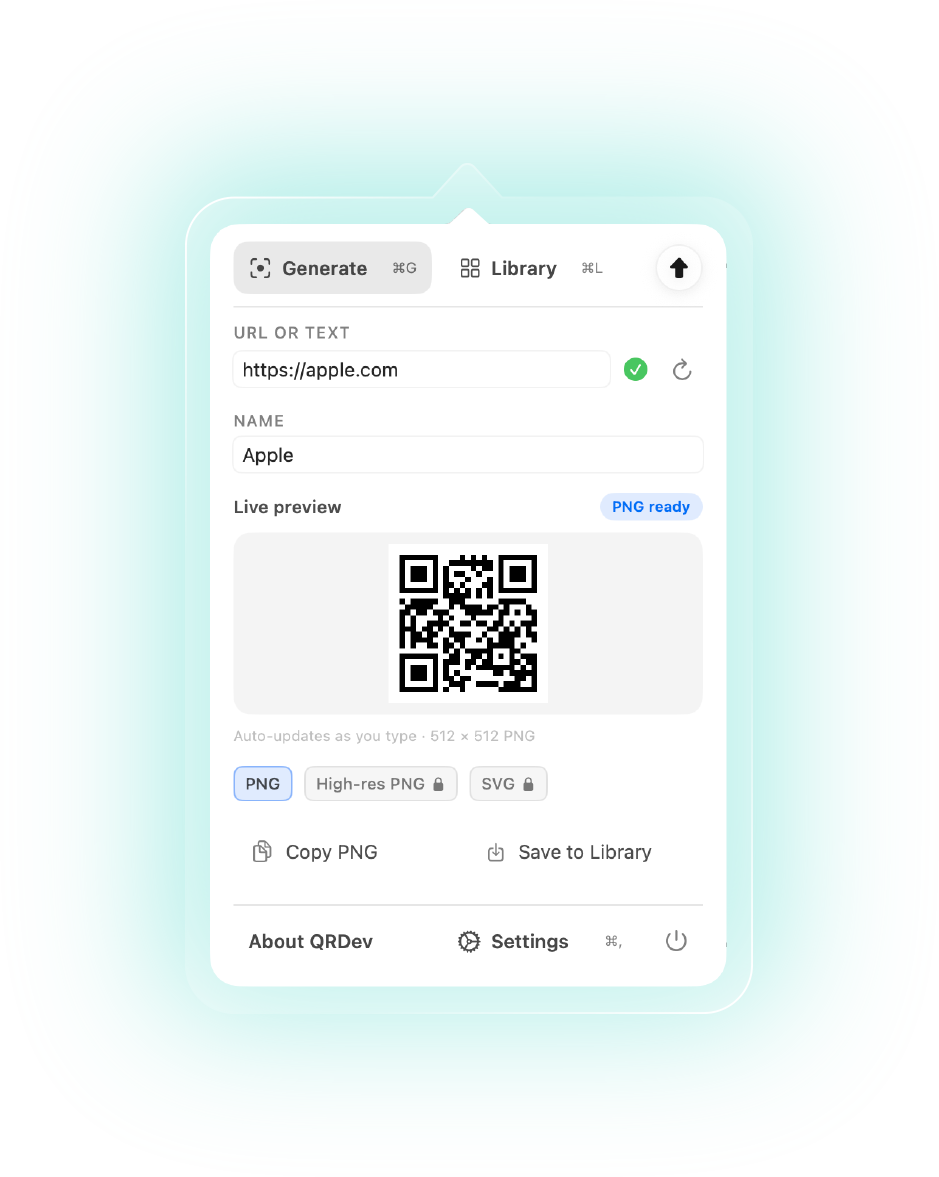
Click the QRDev icon anytime—no extra permissions. Use ⌘G and ⌘L to jump between Generate and Library.
QRDev is live —Get it on the Mac App Store
Six things QRDev does well. The full walkthrough is in the docs and guide.
Click the QRDev icon anytime—no extra permissions. Use ⌘G and ⌘L to jump between Generate and Library.
Choose PNG (default), high-res PNG, or SVG — then copy with one action when the URL is valid.
Save recent codes, search by name or URL, and export a ZIP of styled PNGs when you need files.
Per-entry detail tabs for URL, colors, quiet zone, and downloads — including PDF when unlocked.
One-time unlock for high-res PNG, SVG, PDF export, and saving custom colors on library entries.
Theme, popover look, preferred export format, and default colors — set once in Settings.
High-res PNG, SVG, PDF, and saved custom styling require QRDev Plus. URLs must be valid http or https links.
Five beats from Generate to styled export—copy will tighten once final art is locked.
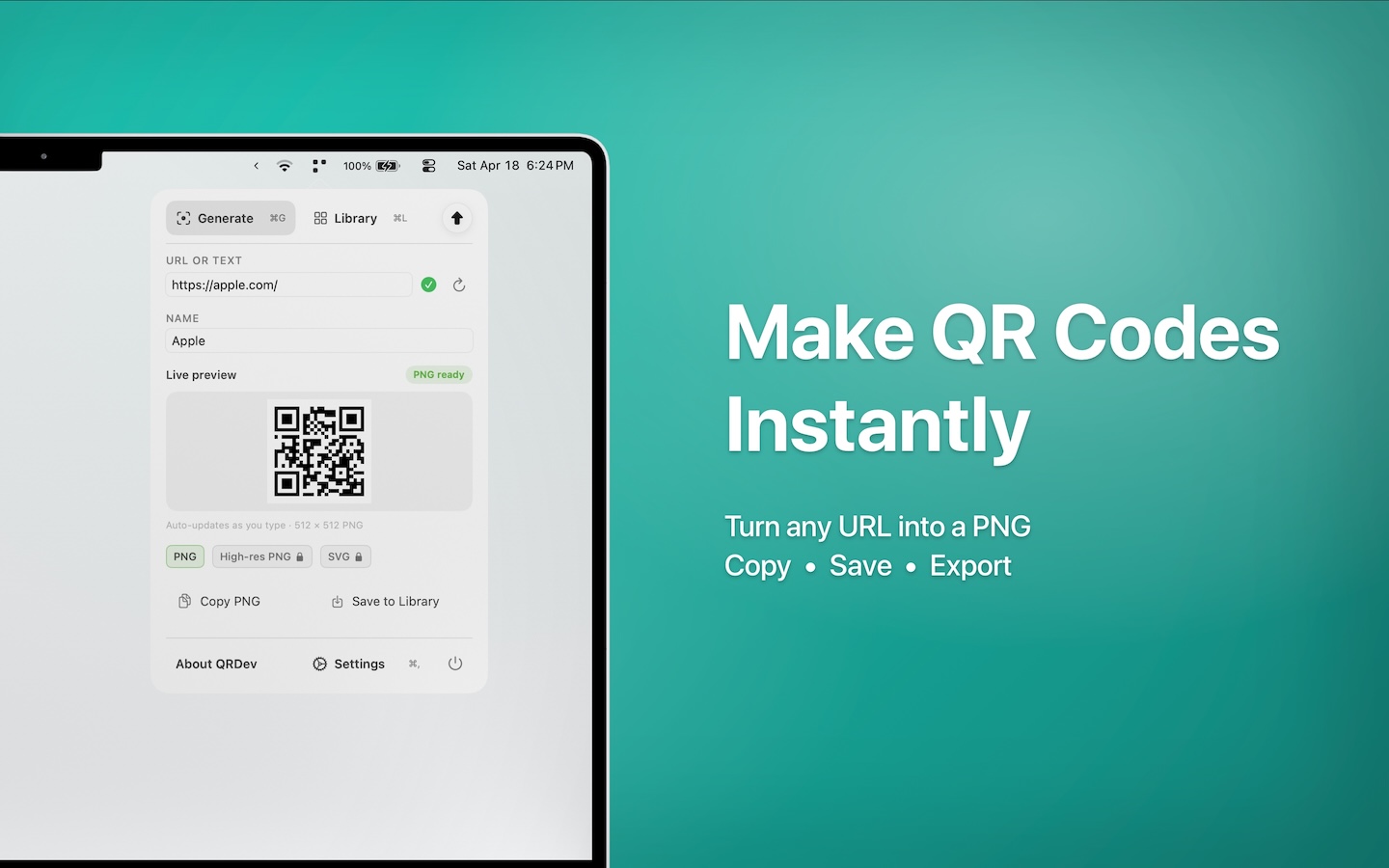
Available on the Mac App Store — free with optional QRDev Plus for high-res PNG, SVG, PDF, and saved custom styling.
New here? Start with the quick guide.